
Find anything from the keyboard
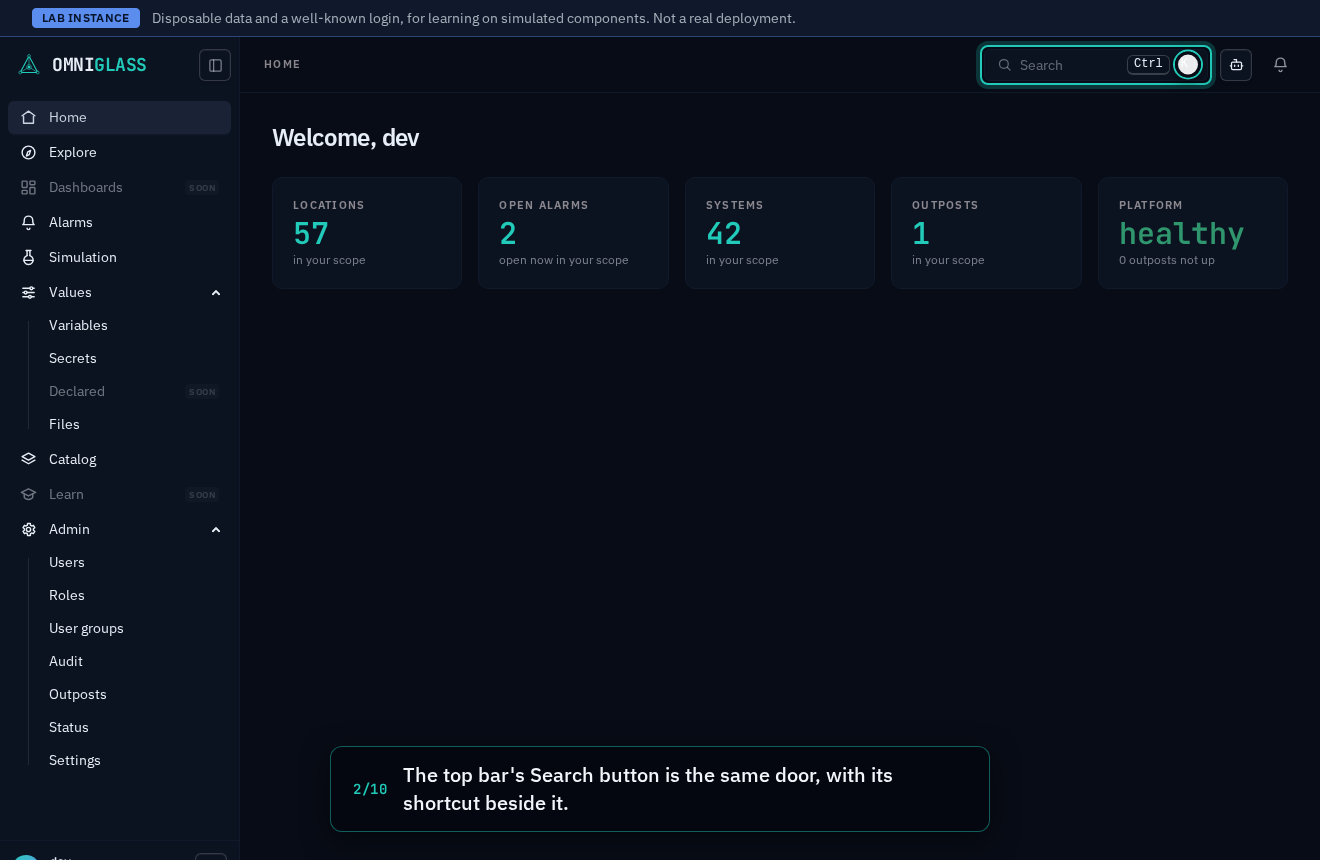
BuiltThe palette is the console’s one search box. Press Ctrl-K (Cmd-K on a Mac), or click Search in the top bar, and type. It finds by name, anywhere in a name or a label, and ignores case.
What it finds
Section titled “What it finds”Results come in groups, each shown only when something matched:
| Group | What is in it |
|---|---|
| Recent | Before you type: the last few things you opened from the palette. |
| Pages | Console pages and catalogs whose name or group matches (products, telemetry). |
| Locations, Systems | By name or label. Each shows where it sits. |
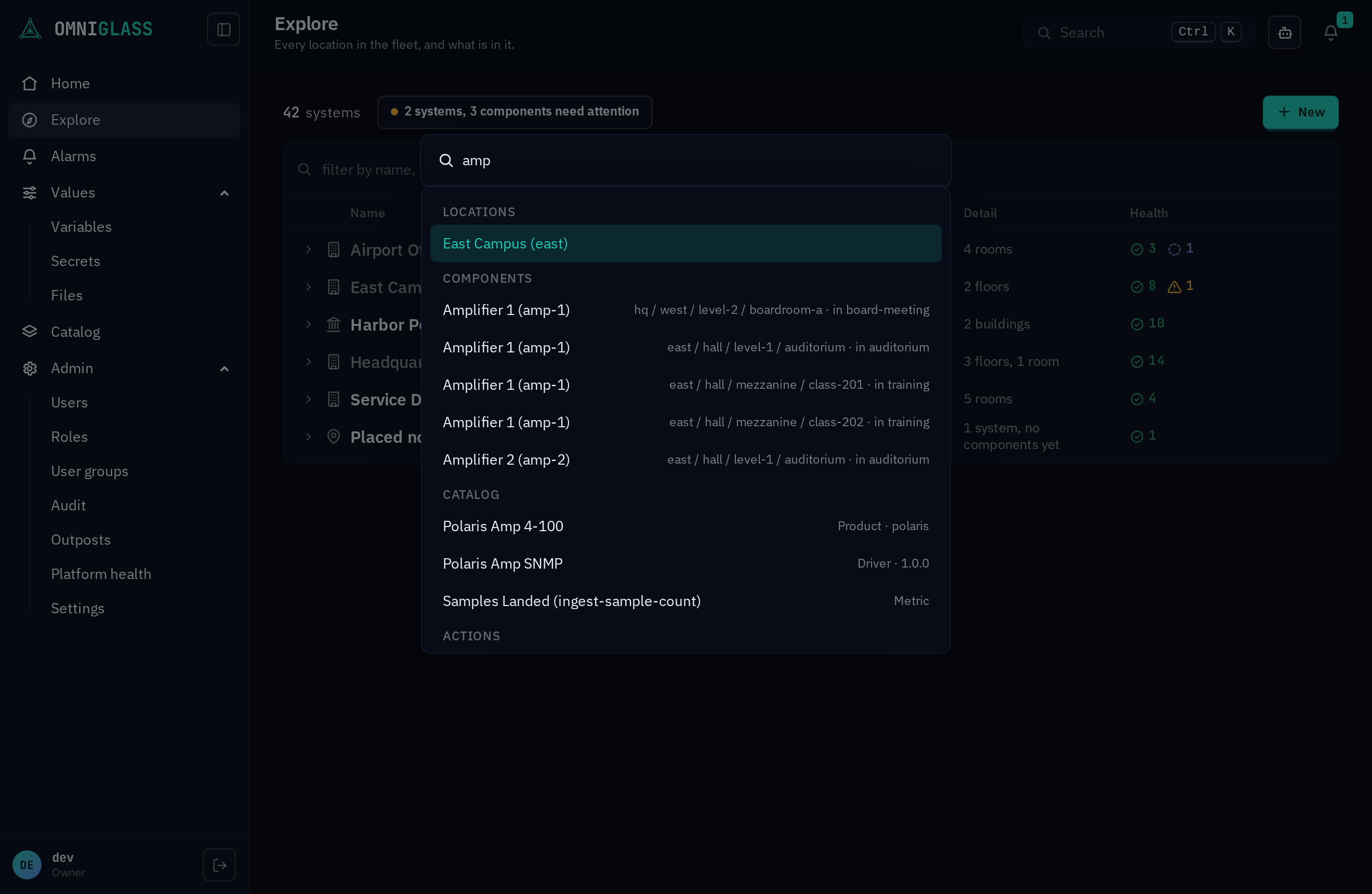
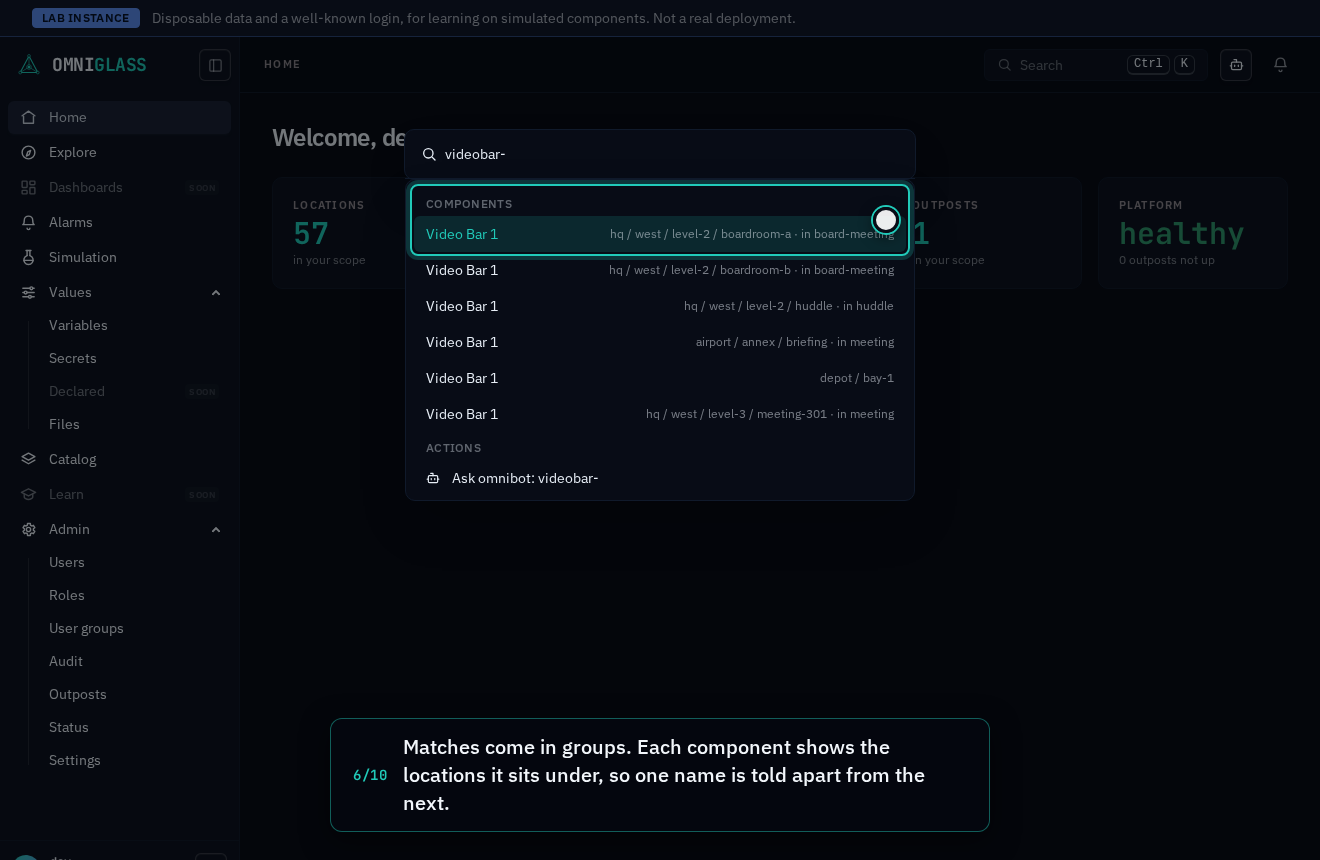
| Components | By name or label. Many components share a name (every huddle has a videobar-1), so each row shows the location it sits under and the system it belongs to. |
| Catalog | Products, drivers, calc rules, event rules and metrics, each tagged with its kind. |
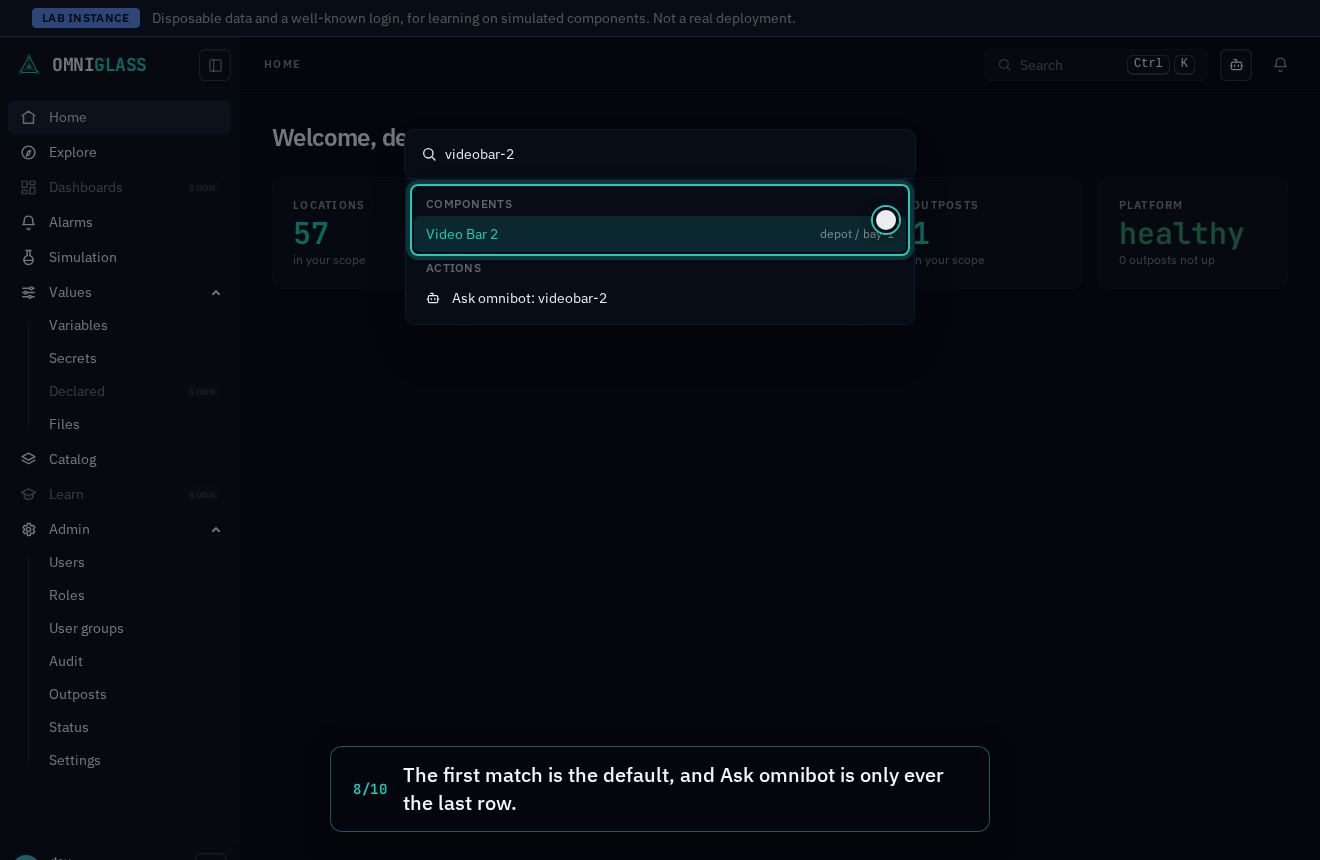
| Actions | Ask omnibot, which hands what you typed to omnibot as a draft. It is always the last row and is never the default when anything matched. |
Typing starts a search after a short pause (two characters or more), and each new keystroke cancels the search before it. A Searching line shows while one is out.
What you can see is what you can find
Section titled “What you can see is what you can find”The search runs on the server, inside your own scope, once for each kind. A location, system or
component outside your grants never appears, exactly as it would not appear in
Explore; a catalog group appears only if you may read that catalog. There is
no setting for this: the same scope that filters every list filters the palette. The API behind
it is GET /search, in the CLI reference as omniglass search.
Only the keyboard
Section titled “Only the keyboard”| Key | Does |
|---|---|
| Ctrl-K / Cmd-K | Opens the palette (and closes it again). |
| Letters | Type the search. The first row is the default. |
| Up / Down | Move the highlight through the rows, across groups. |
| Enter | Opens the highlighted row, or the first row if you have not moved. A location, system or component opens at its page; a catalog entry opens its drawer on its catalog page; Ask omnibot opens omnibot. |
| Esc | Closes the palette. Focus returns to the control you had before. |
Recent items are kept for your browser session, per signed-in person. The settings engine has no per-user setting yet, so they are held in the tab’s session storage and are gone when it closes.
Every step, captioned (10 steps)
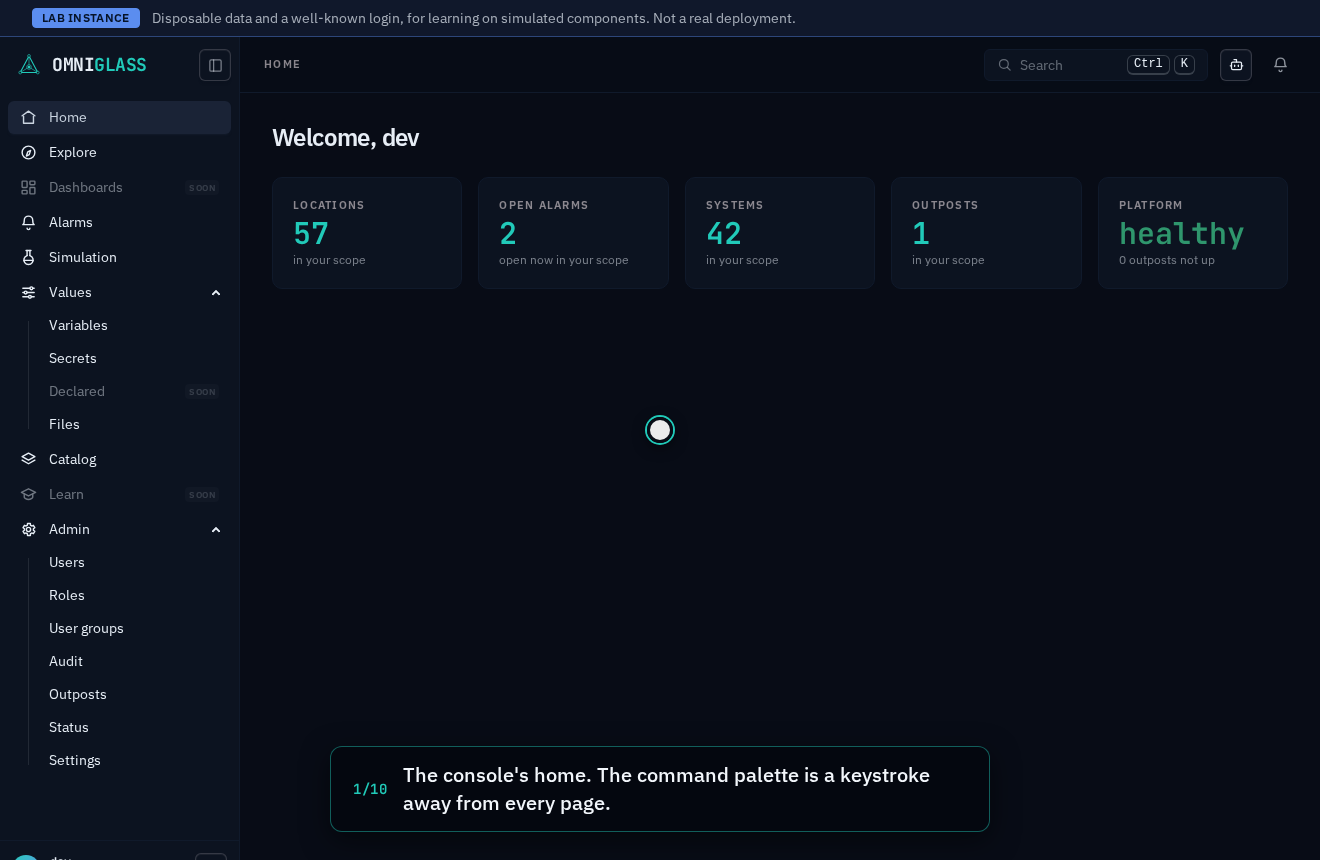
The console's home. The command palette is a keystroke away from every page.
The top bar's Search button is the same door, with its shortcut beside it.
Ctrl-K (Cmd-K on a Mac) opens the command palette with the cursor already in its field.
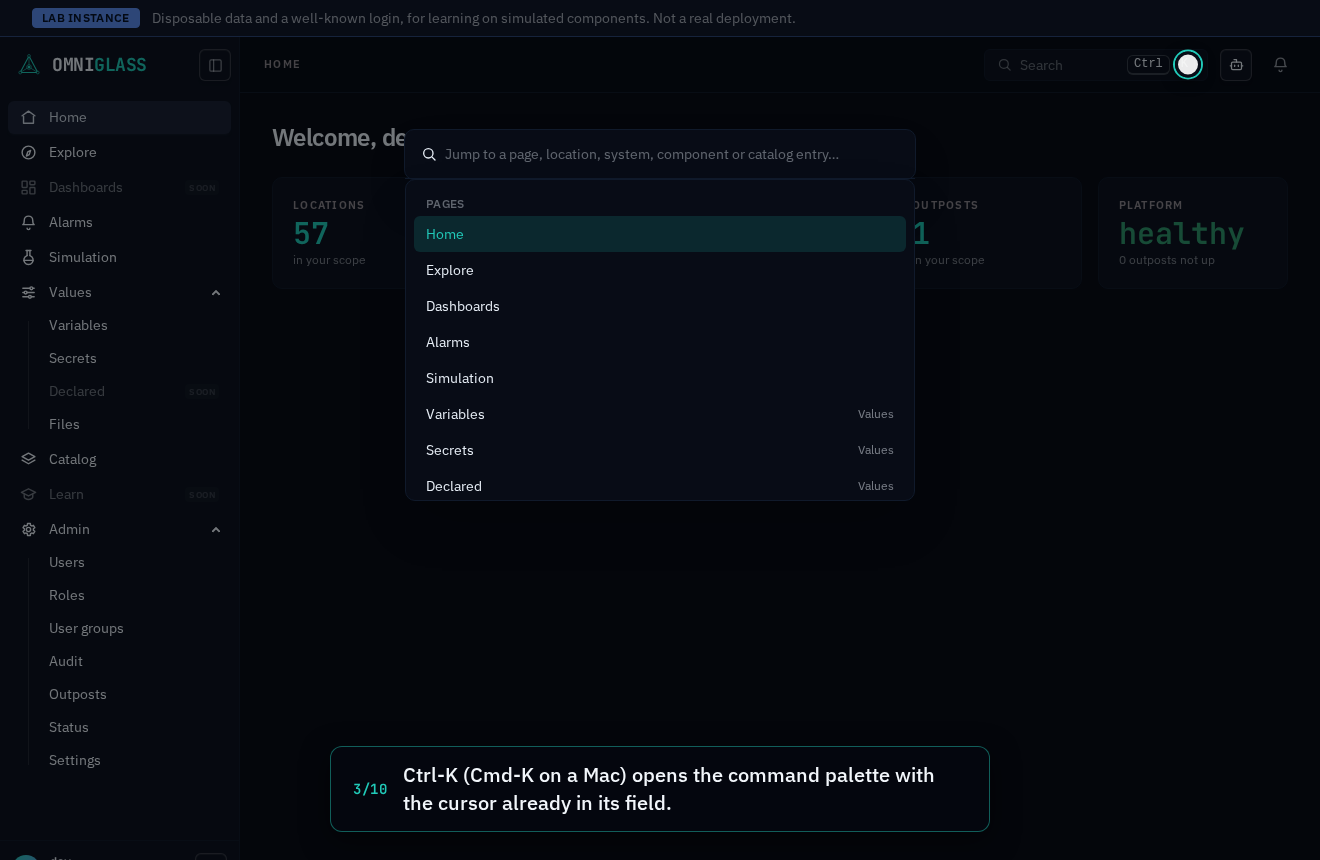
Before you type, it lists the pages you may open.
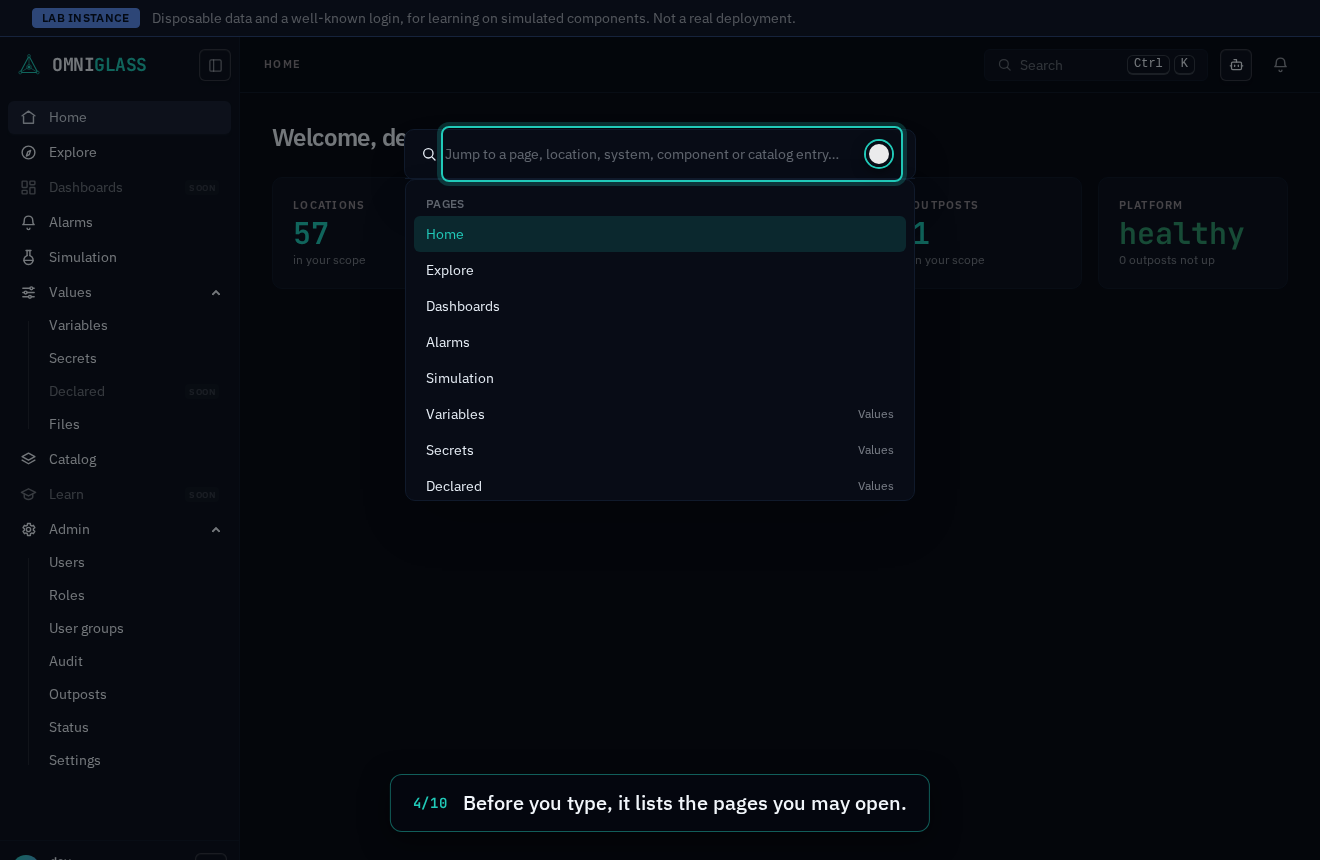
Type part of a name. Many components share the name videobar-1, one in every room.
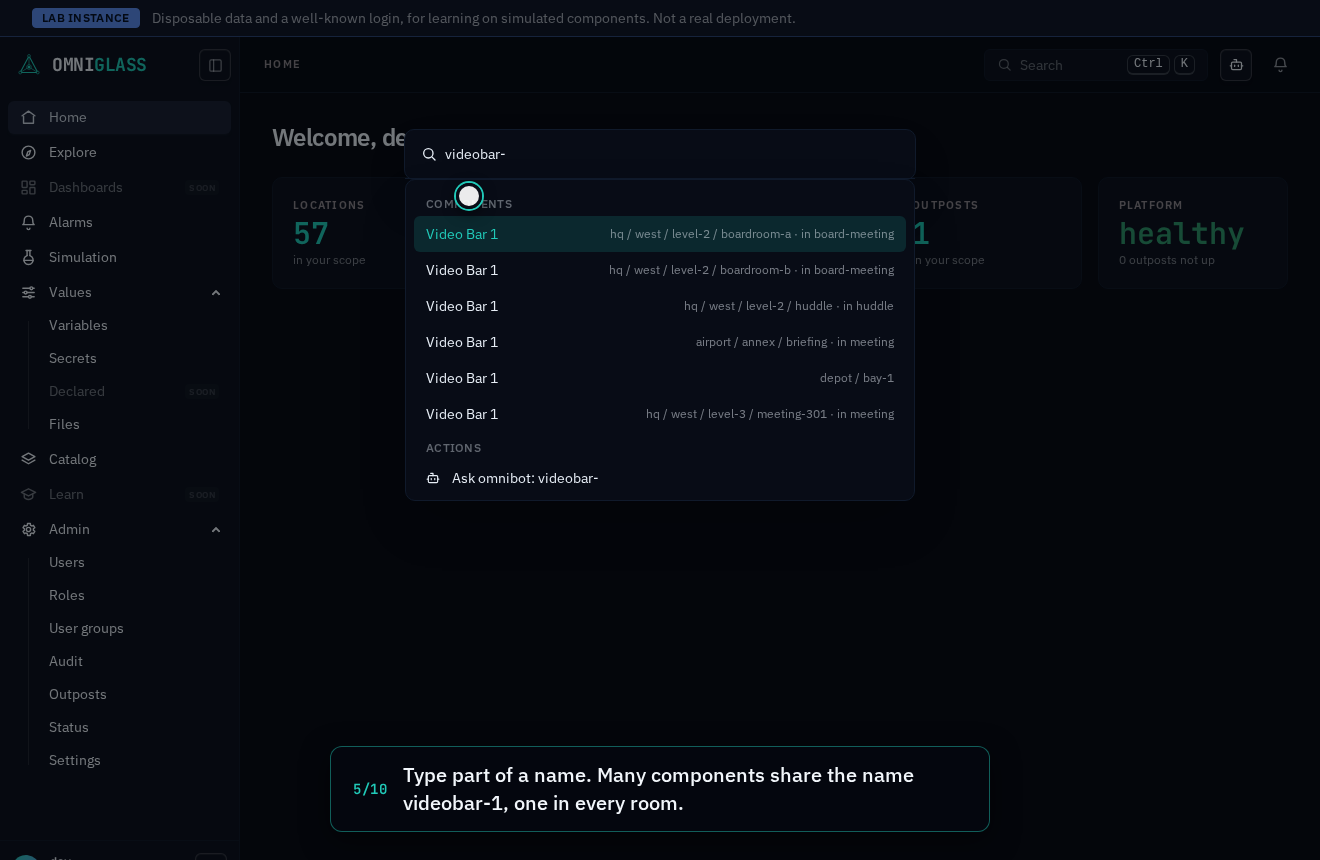
Matches come in groups. Each component shows the locations it sits under, so one name is told apart from the next.
Keep typing to narrow it. Only one component is called videobar-2.
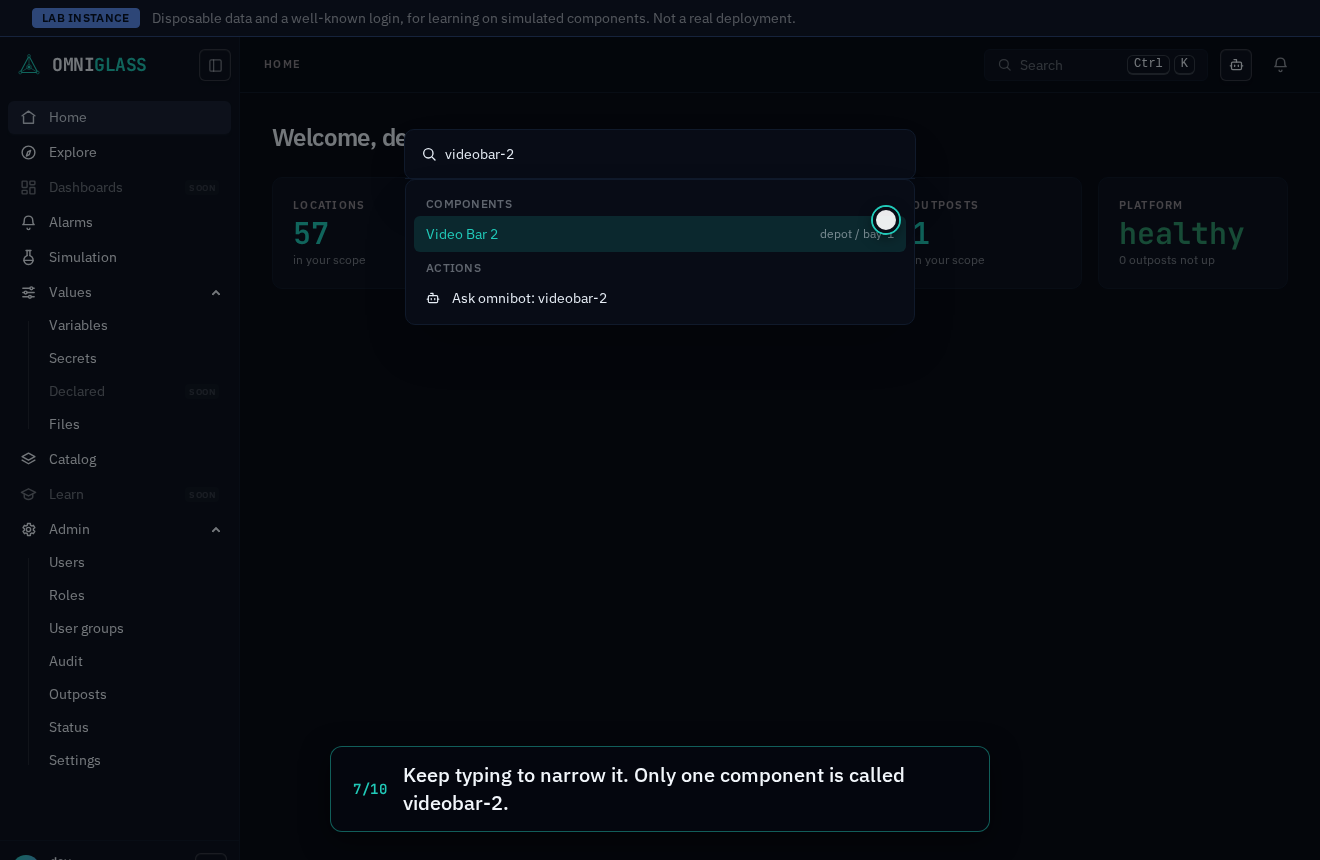
The first match is the default, and Ask omnibot is only ever the last row.
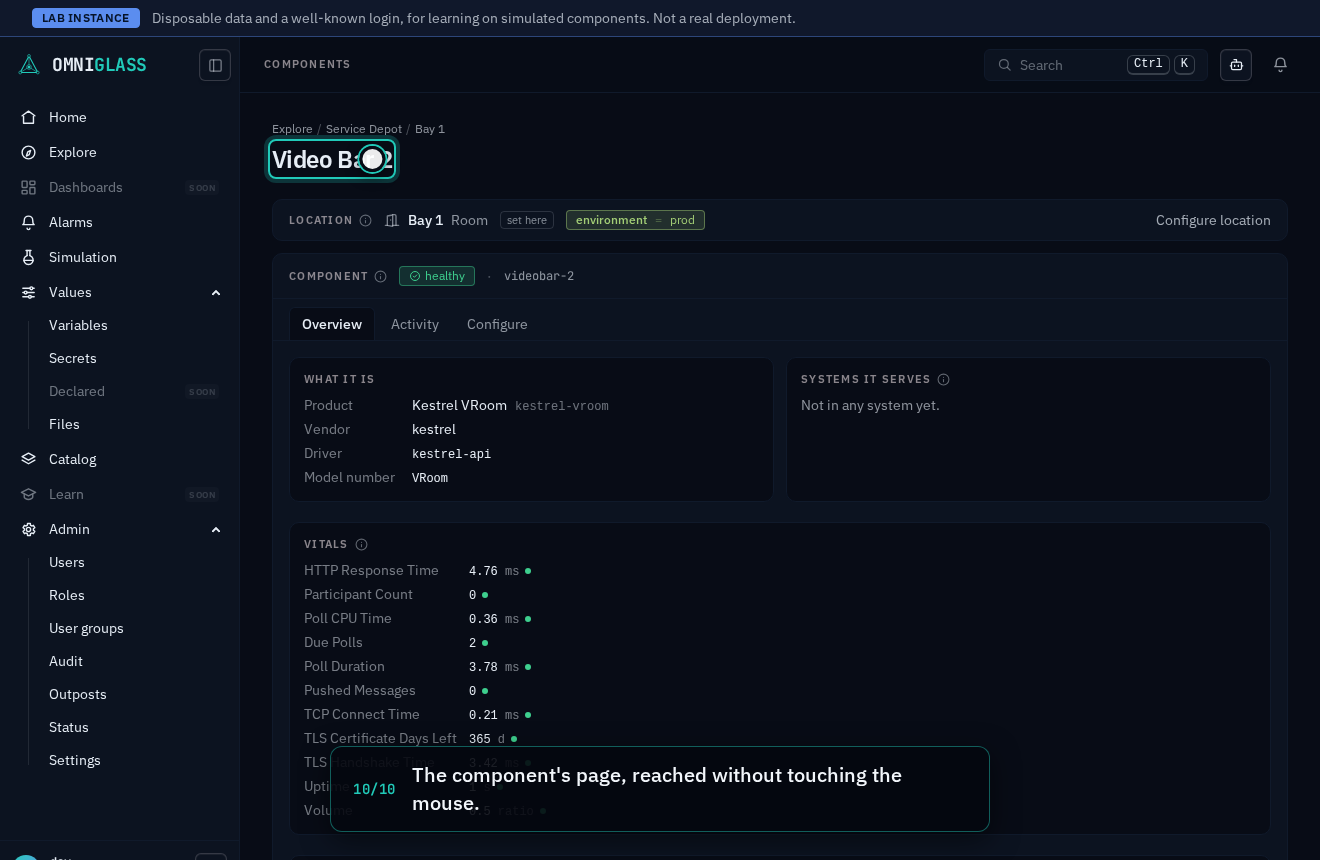
Enter opens the highlighted match, here the component's own page.
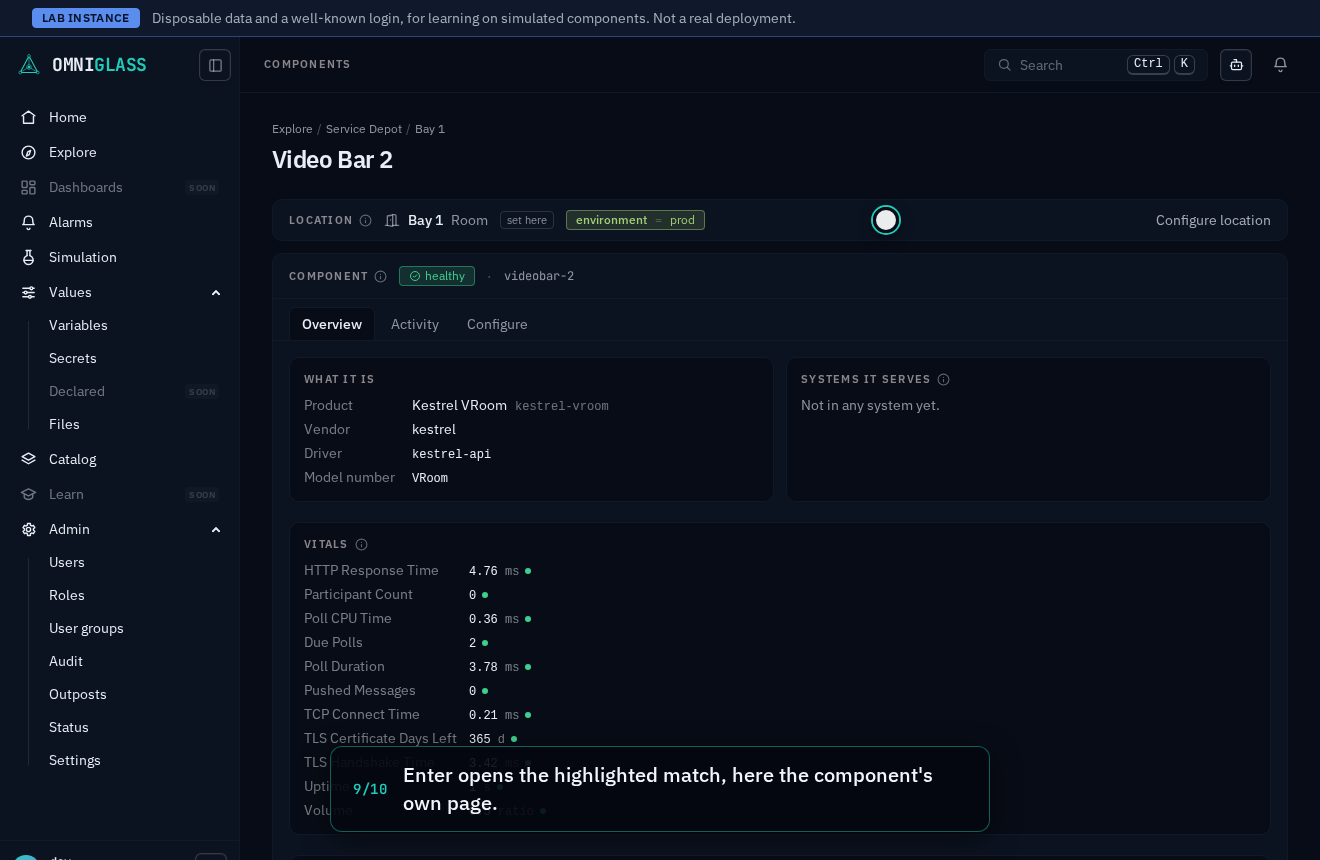
The component's page, reached without touching the mouse.