

Variables
A variable is the plaintext sibling of a secret: a typed free value (a macro), owned at one scope and resolved down the cascade the same way, but shown in the clear because it is not sensitive. The model underneath is config and credentials.
Values > Variables (with variable:read) is the directory of every
variable. Each row shows its name under its label where it has one, a
type badge (string, int, float, bool, json), a scope label (Platform, or the
location / system / component it attaches to), and the value in the clear (no mask, no reveal).
The list reads in label order, with the variables that carry none at the end, and a variable with no
label reads as its name exactly.
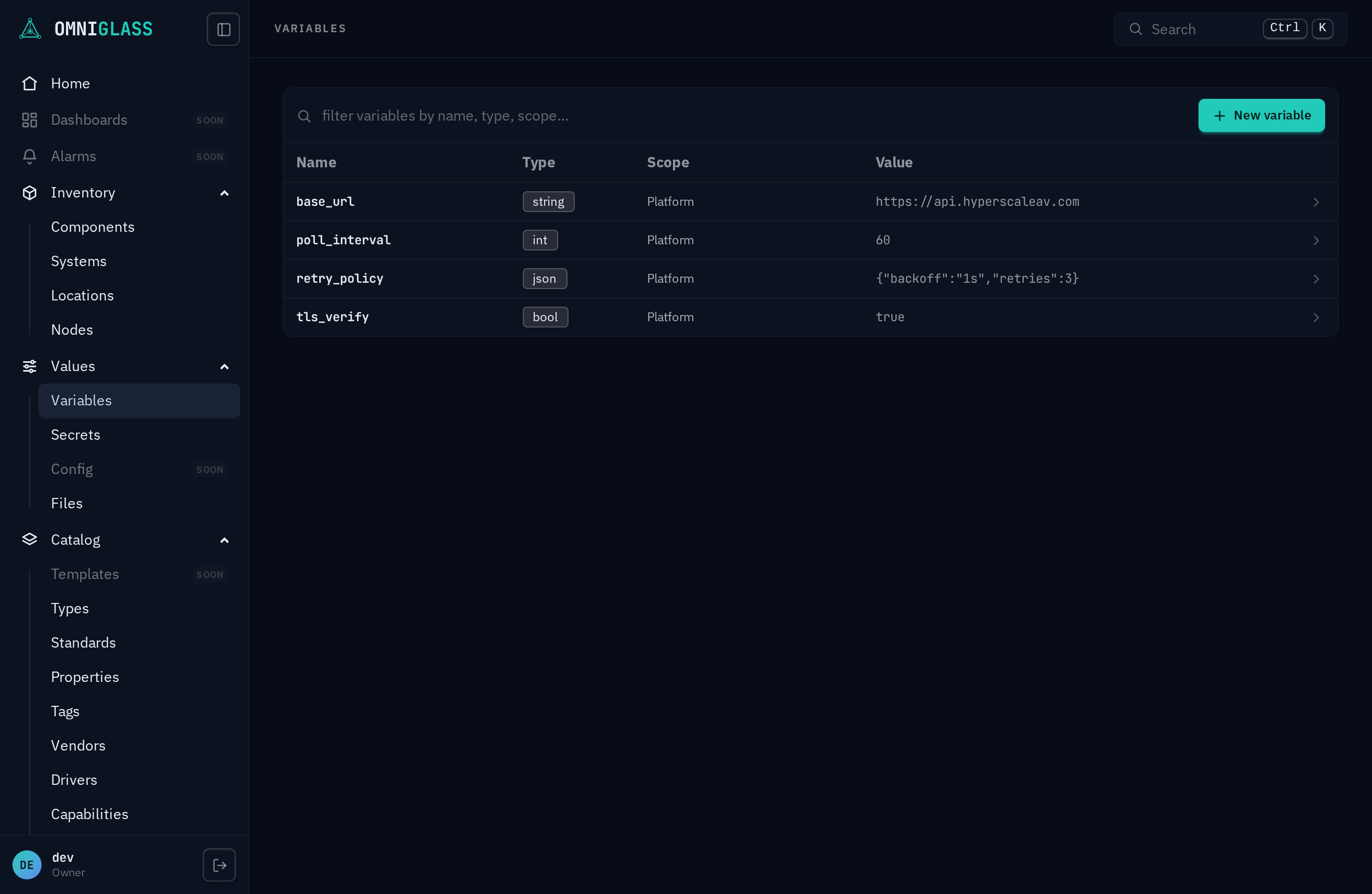
- New variable (with
variable:create) opens a create drawer: give it a name (lowercase letters, digits, and hyphens, no dots and no underscores, unique per owner, and what the cascade resolves by), pick a type and a scope, choose the entity from the shared tree picker, then enter the value in a type-aware editor (a number input, a toggle for a bool, a textarea for json). A platform variable is install-wide, so it needs an all-scope grant plusplatform:createon top ofvariable:create.variable:createis on the operator role;platform:*starts at admin. Withoutplatform:createthe Platform scope is not offered at all, and the form says which capability that takes. - Pick a row to open its detail blade. The footer Edit pencil (with
variable:update, also an operator permission) opens the type-aware value editor; Delete (withvariable:delete, admin and owner) sits behind a confirm. On a Platform row both also need the matchingplatform:<action>; holding only the variable half leaves the blade read-only with a note naming what is missing.
From the CLI the same surface is omniglass variable list / create / update / delete (see the
CLI reference), each taking the variable by name, or by <owner>/<name> where the
cascade has it at more than one owner (omniglass variable update '$platform/poll-interval' --value 60).